macOS
Apple Silicon · ARM64
Preview builds use ad-hoc signing and are not notarized. Native UI and capture need macOS permissions.
INSTALL KHAI-HUB / DESKTOP 3.2.0
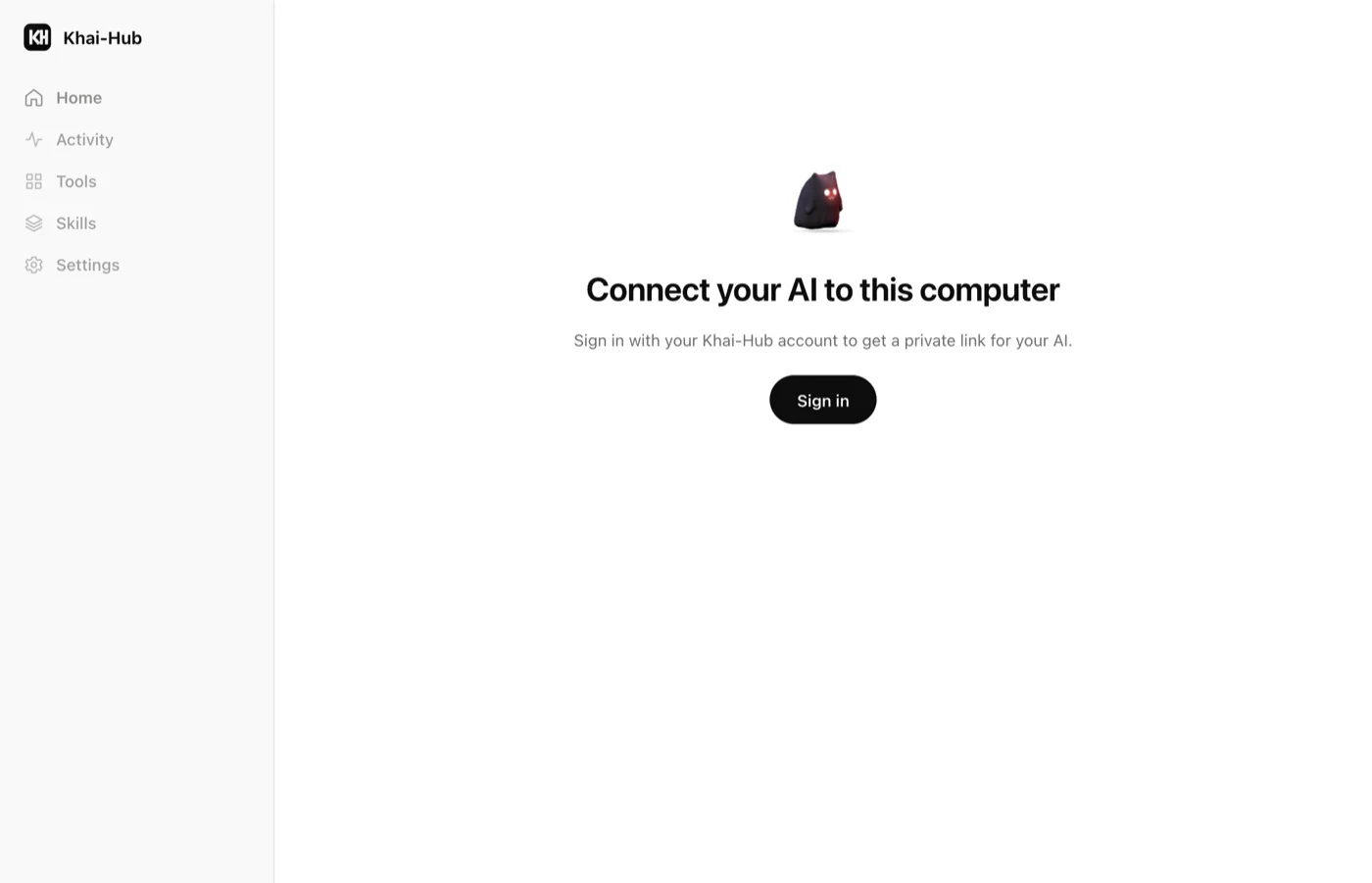
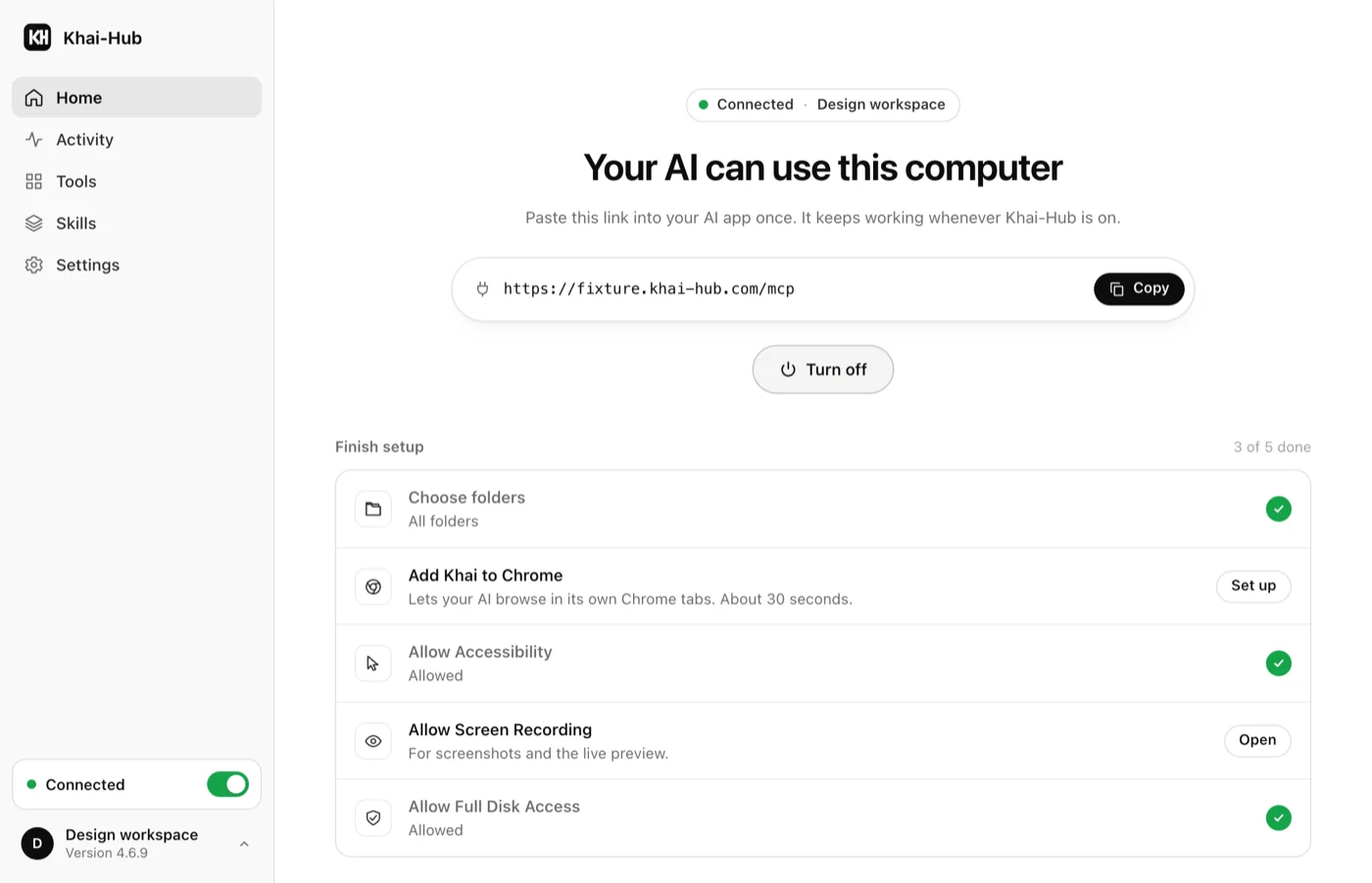
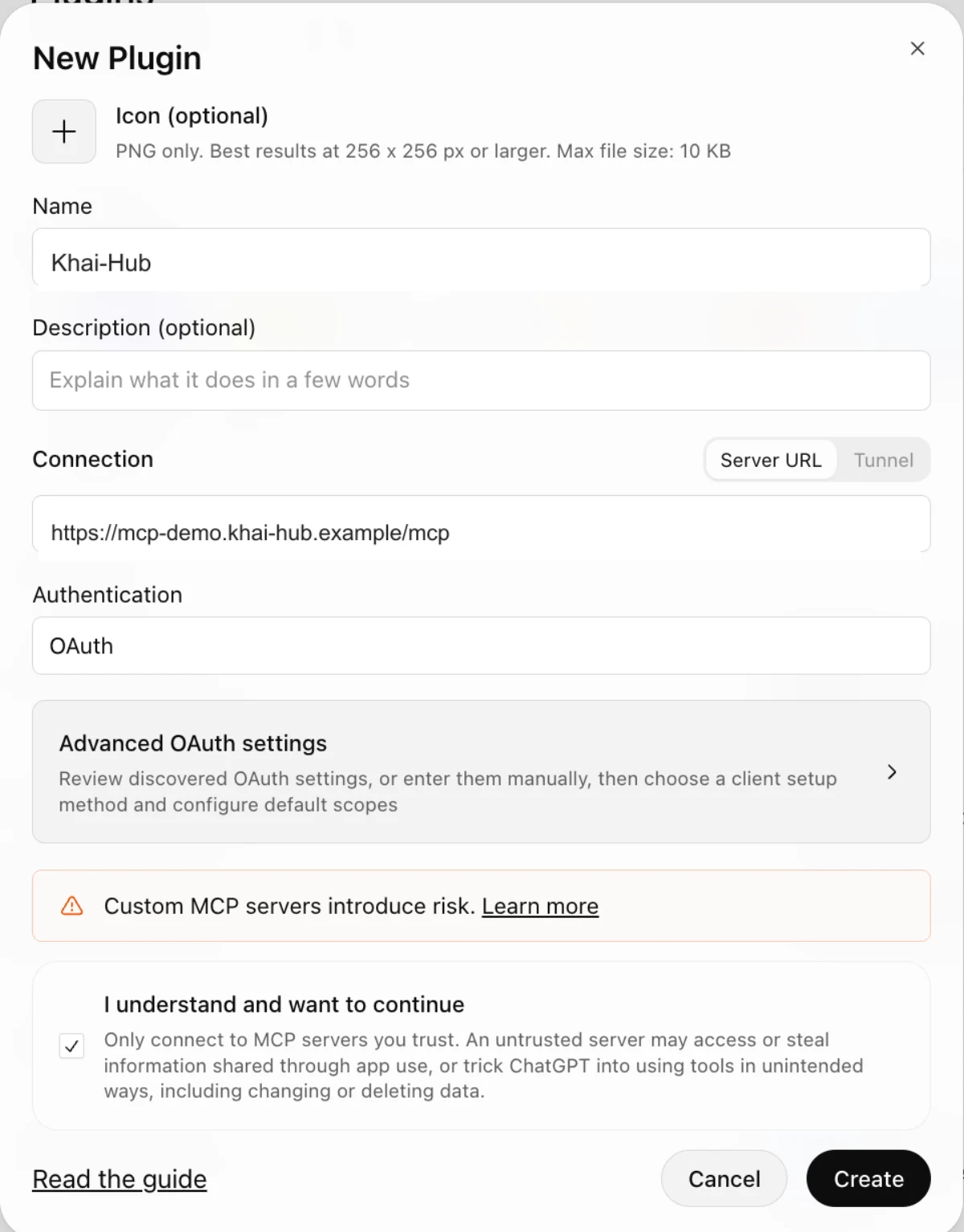
Windows, macOS or Linux. Copy one command to install Khai-Hub, then connect your AI through a profile.
PS > $khaiInstaller = Join-Path $env:TEMP ('khai-hub-' + [guid]::NewGuid().ToString('N') + '.ps1'); try { Invoke-WebRequest 'https://www.khai-hub.com/install/next-3.2.0.ps1' -OutFile $khaiInstaller -ErrorAction Stop; & $khaiInstaller } finally { Remove-Item $khaiInstaller -ErrorAction SilentlyContinue }The installer will select the package for your computer, verify its SHA-256 checksum and install Desktop. Then sign in and choose your profile.
Desktop 3.2.0 · Next preview. macOS is ad-hoc signed and not notarized; Windows is unsigned.
Next preview · Agent 5.2.0. Install with Shell above, or choose a verified package below.
Apple Silicon · ARM64
Preview builds use ad-hoc signing and are not notarized. Native UI and capture need macOS permissions.
64-bit · x64
The preview installer is unsigned. Review the published checksum before opening the downloaded file.
64-bit · x86_64
Native capabilities depend on your session. AT-SPI accessibility uses system Python and PyGObject when available.
WHAT'S NEW IN 3.2.0
Give your AI a clear view of folders across several levels in one request. Choose how deep to look and which subfolders to leave out.
Filter by name or type, choose a sort order and continue through a local snapshot. Clear limits and readable error details help your AI understand what it has seen and what still needs a look.
Every tool has its own switch, including Directory tree. All start on. Folder exploration runs on your computer, and version announcements share the existing daily news check.
WHEN YOU UPGRADE
Install 3.2.0, then refresh your MCP client's tool list. Existing profile URLs, credentials, workspace folders and imported skills remain valid.
If you use 3.0.1 or earlier, install this version manually once to add the updater for future releases. Windows, macOS and Linux AppImage support in-app updates; DEB/RPM use package-manager or manual updates. Stop the connection before installing an update.
Connection guide ↗